

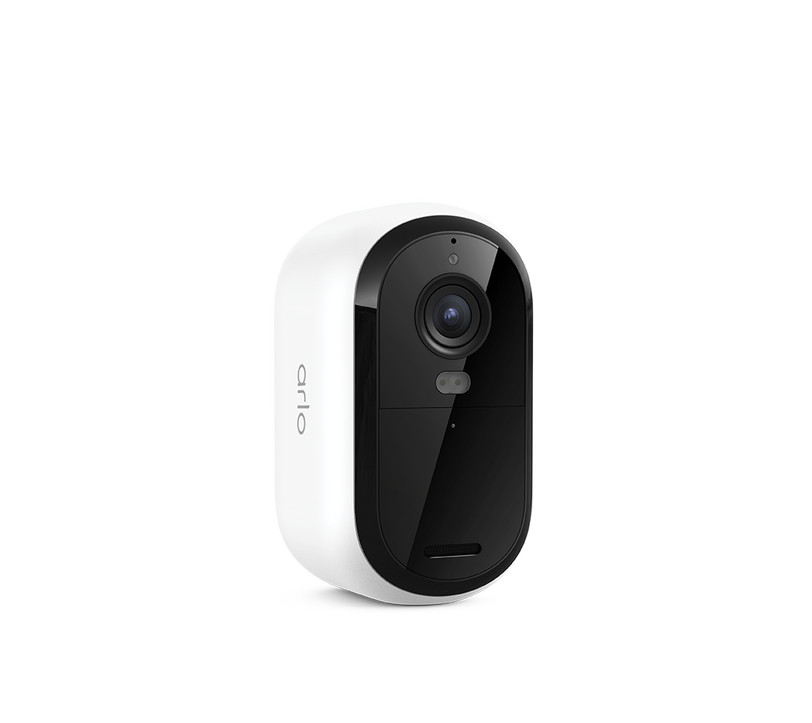
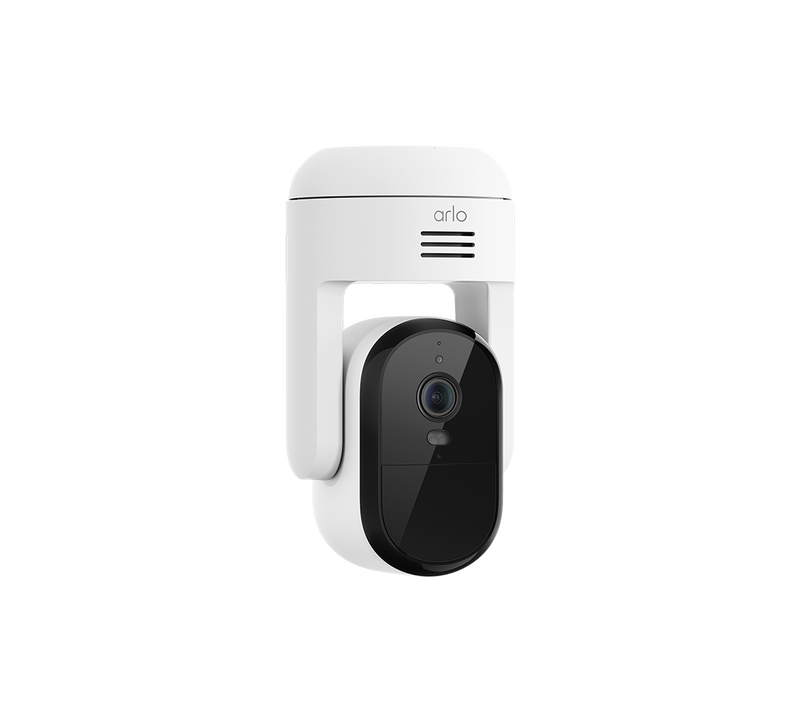
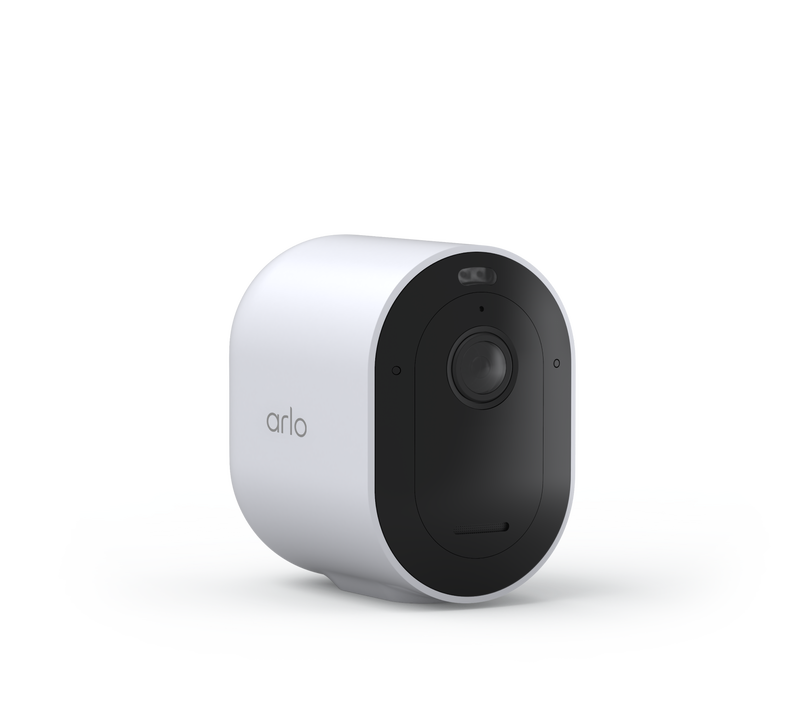
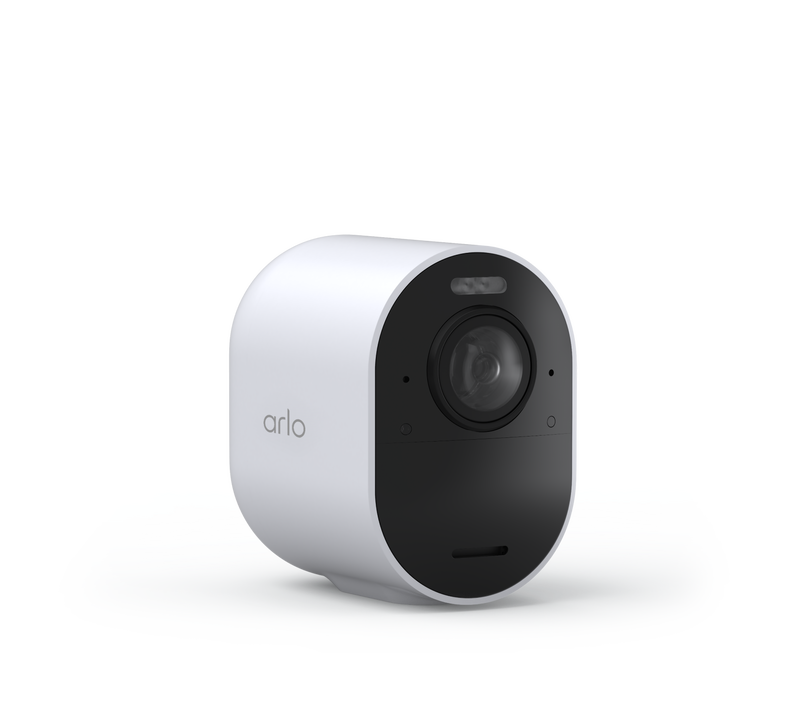
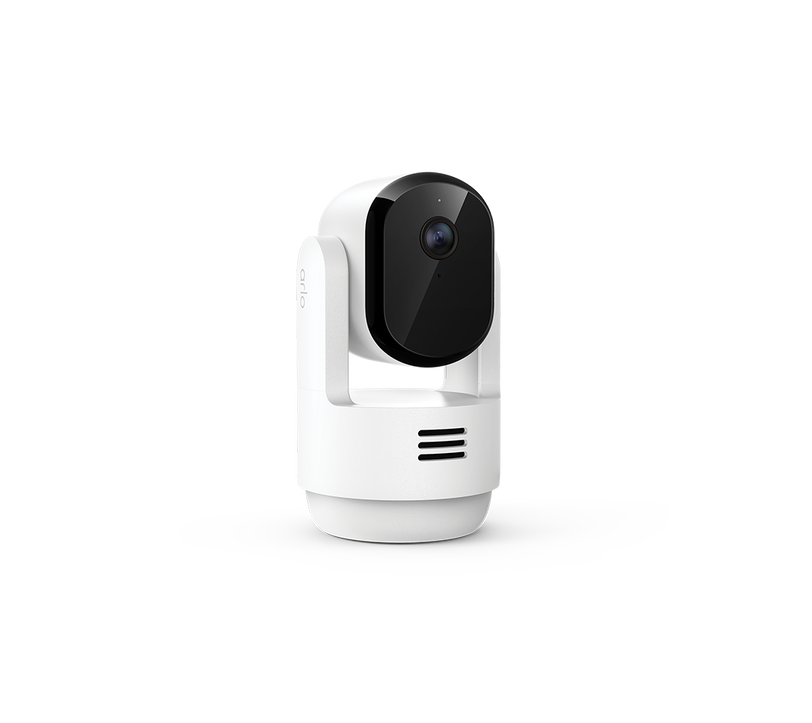
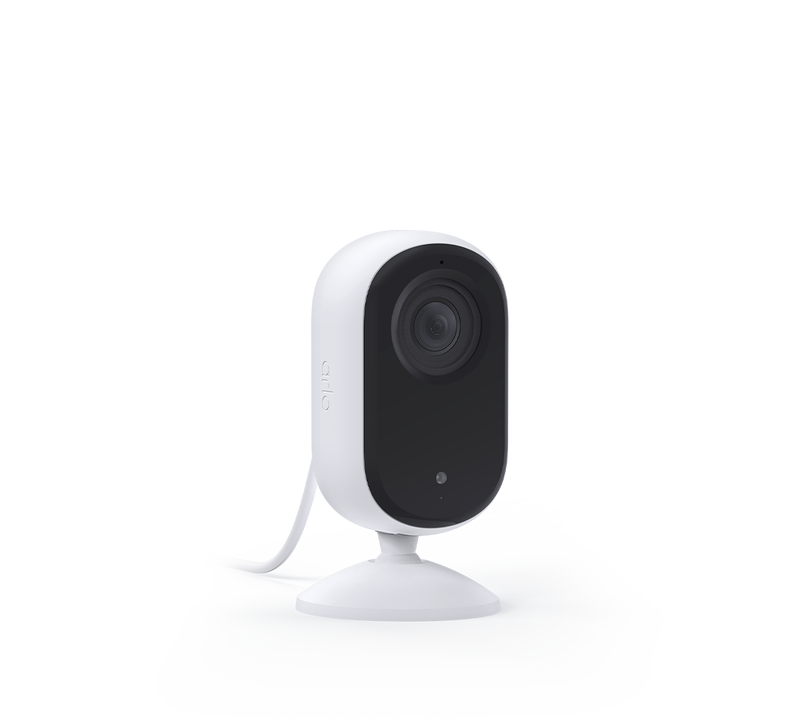
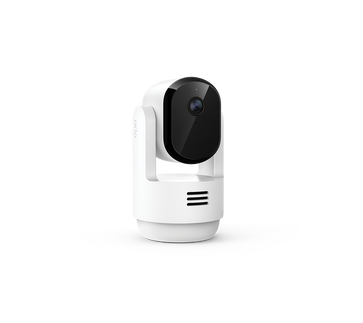


Essential Pan Tilt Indoor (2026 Release)
Plug-In Powered Camera
Item No. VMC3073-100APS
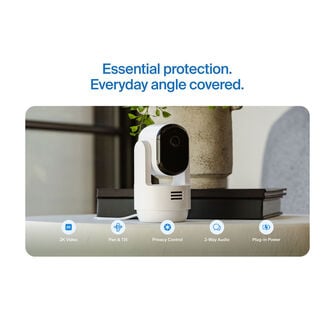
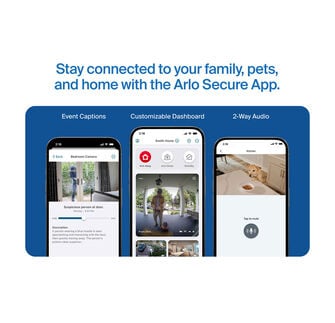
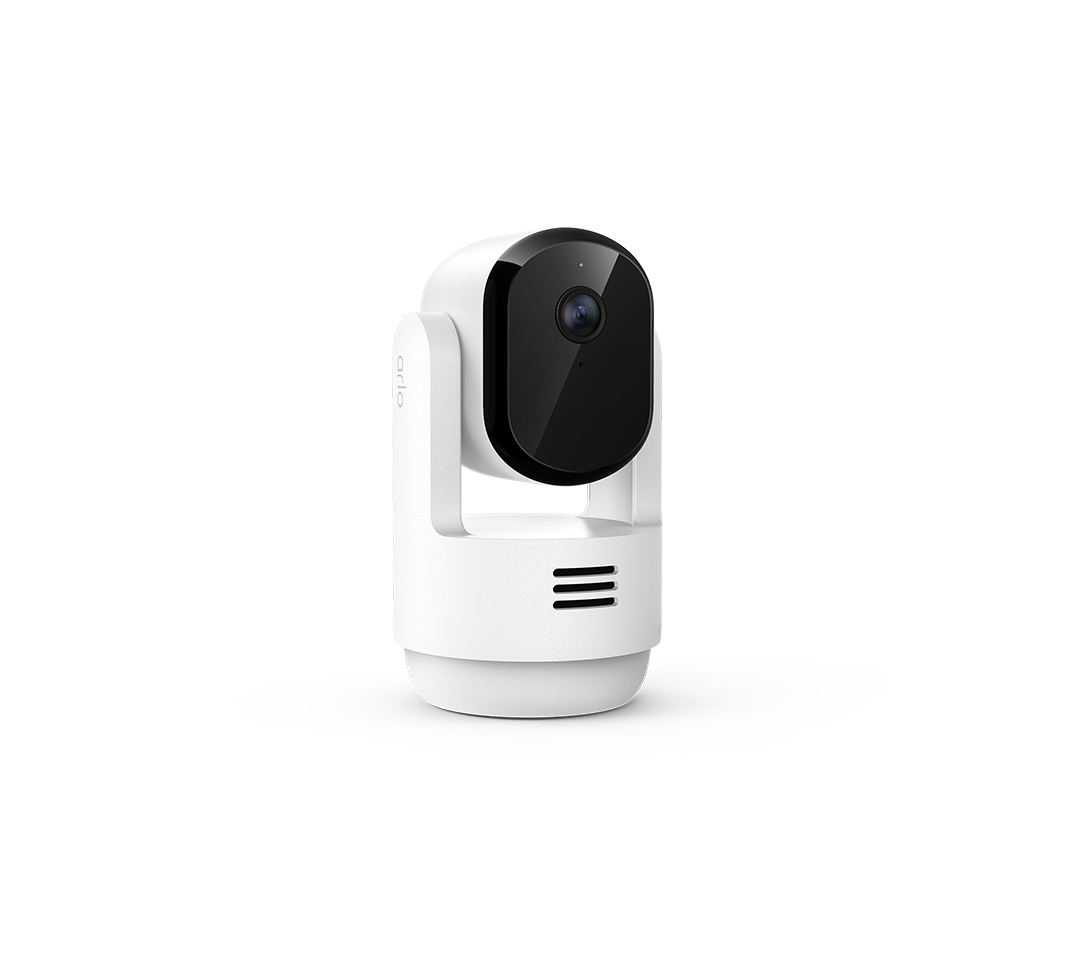
With pan and tilt viewing capabilities, experience crystal-clear 2K video, full 360º coverage, and reliable plug-in power to safeguard your home, family, and pets. With Smart Detection and Advanced Audio Alerts, you’ll stay informed and get complete visibility and control all from the Arlo Secure App.
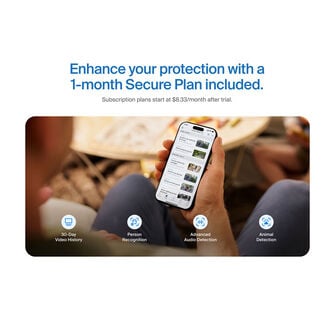
Product includes: 30-day trial of an Arlo Secure Plan. Paid Subscription required to maintain premium features after trial.
- Plug-in Powered
- Automatic Motion Tracking
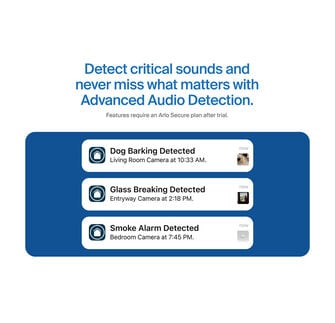
- Motion & Audio Detection/Alerts
- Dual-Band Wi-Fi
- 360° Pan & 180° Tilt Viewing
- Privacy Control
- Clear Night Vision
- Industry-Leading Data Privacy
Where to buy
 Shopee
 Lazada
 Kaira Arlo Store
This product has been added to your cart.
Simple, reliable home monitoring.

On-demand
privacy.

No blind
spots.

Quickly see
and respond.

Enhanced protection with a Secure plan.
Durable. Plug-in powered. Ready for anything.

Act quickly when needed.
See, hear, and speak to family, visitors, and even pets, and be able to respond quickly to potential issues.
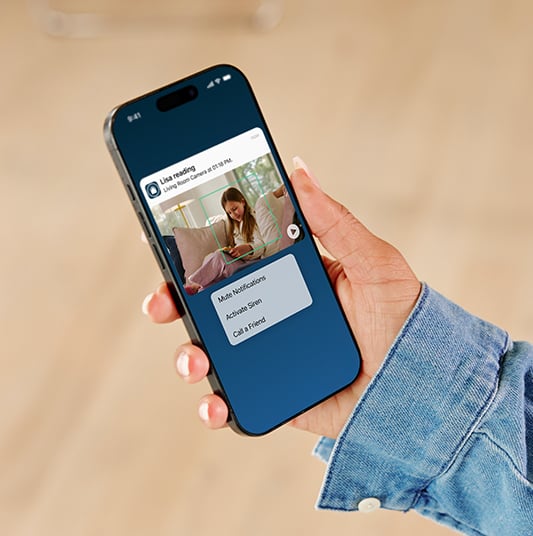
Check in from anywhere.
Down the street or in a different state? Get real-time motion alerts, watch live video, chat with visitors, and ward off intruders, right from the Arlo Secure App.
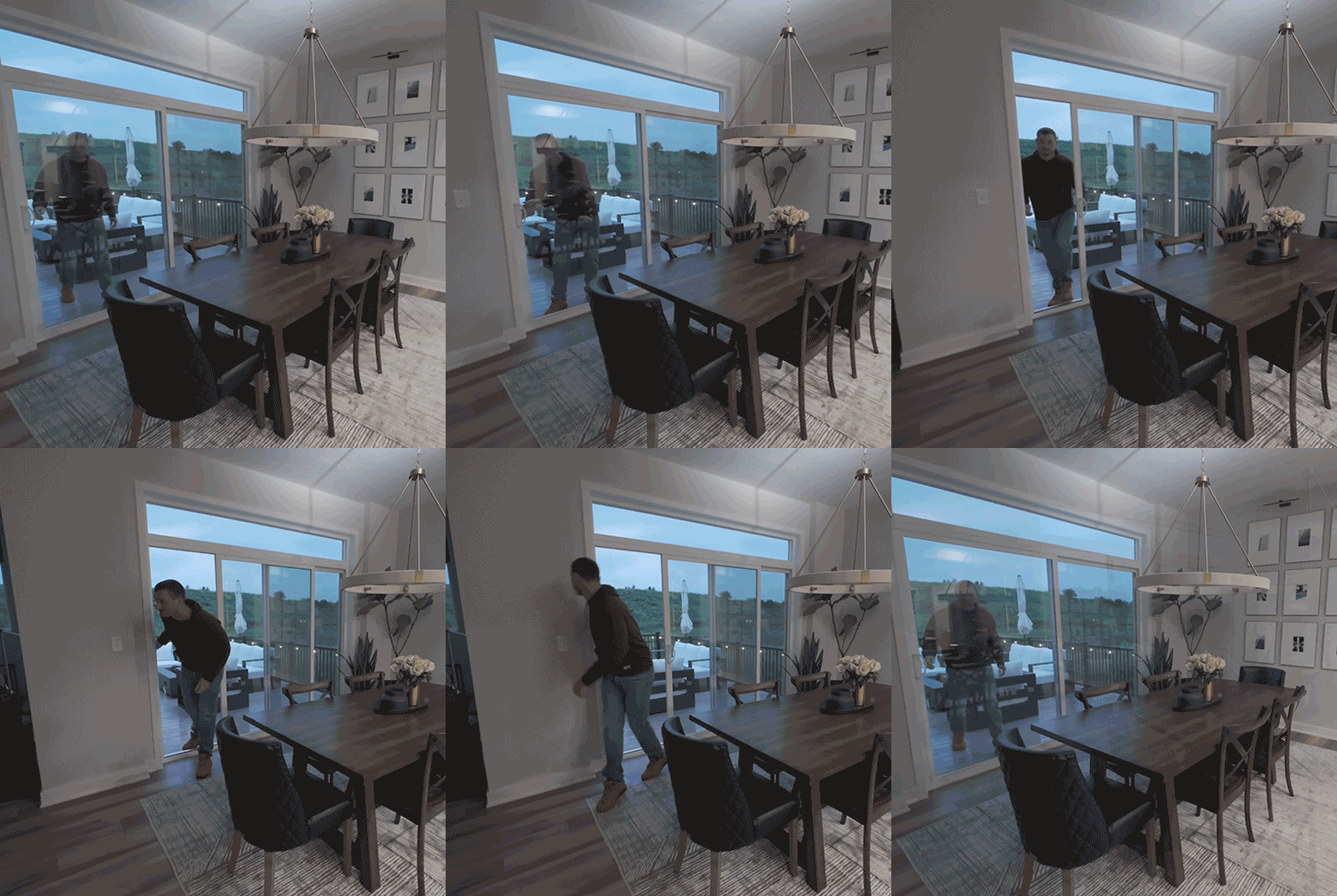
Keep track of intruders.
Your camera will track and follow people and animals to capture all activity within its field of view with Automatic Motion Tracking, so you can cover every angle and follow every move.
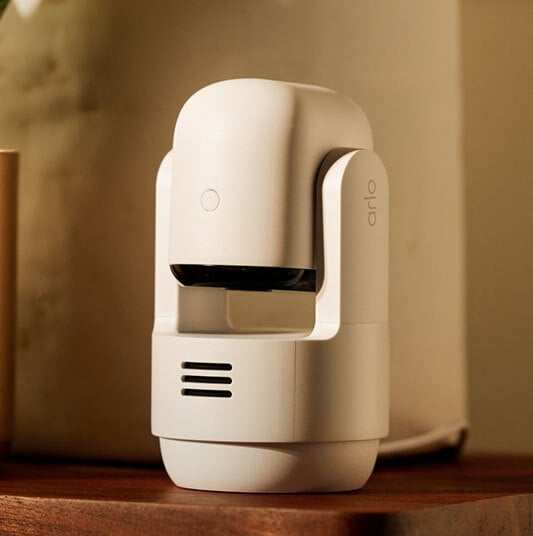
On-demand privacy.
Keep moments private by disarming the camera in the Arlo Secure App to disable audio and video with Privacy Control.
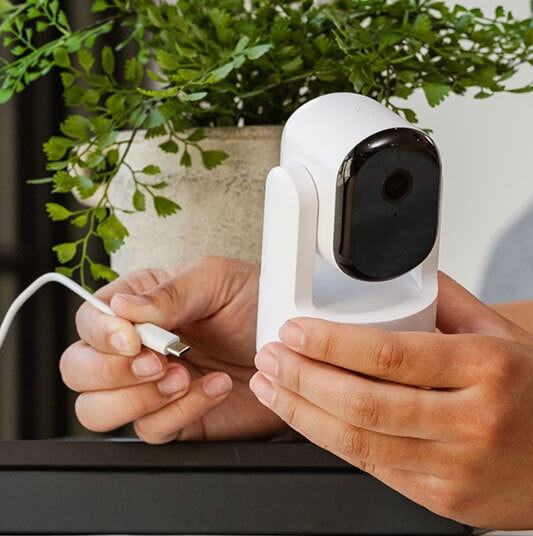
Easy setup with always-on security.
Simply plug in to stay powered and protected and never worry about charging.
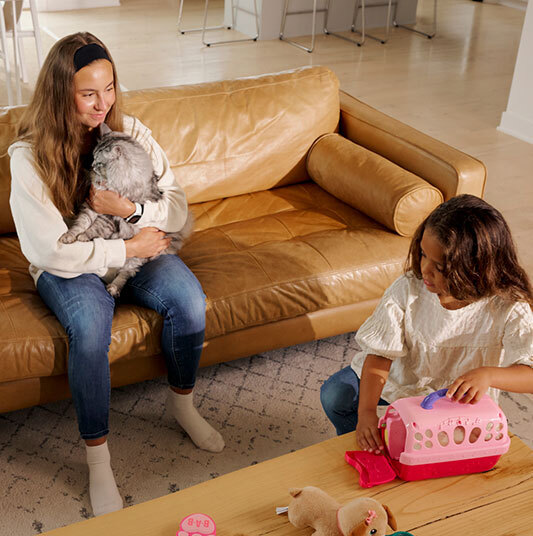
Capture clear video.
View critical details such as shirt colour or facial features for positive identification with 2K video resolution.
View, share, and save 30 days of video and event recordings with family or police, from anywhere.
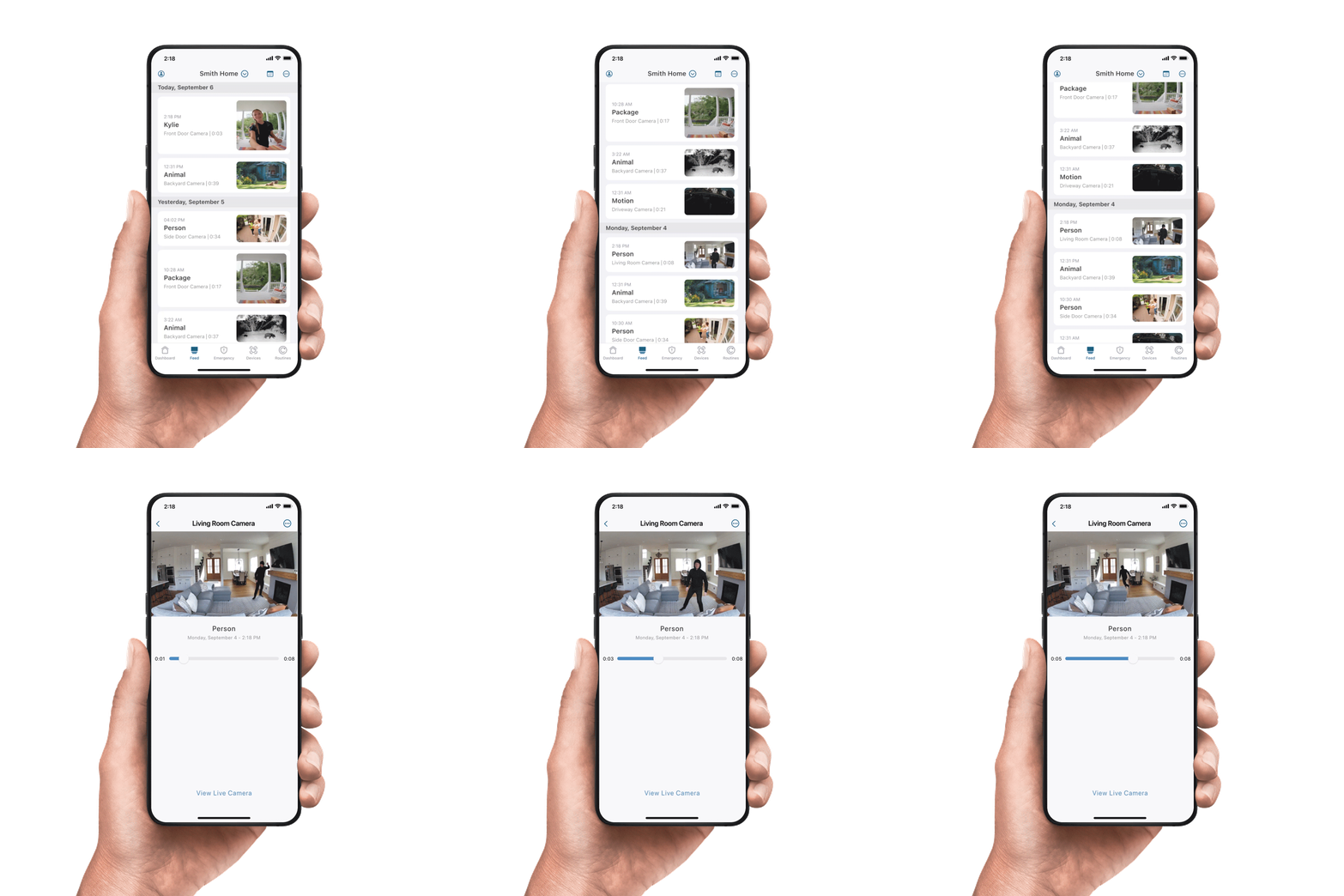
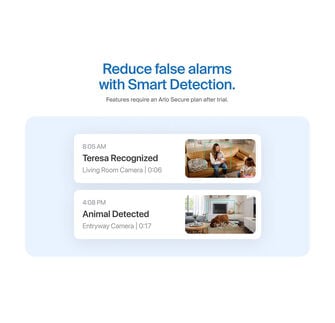
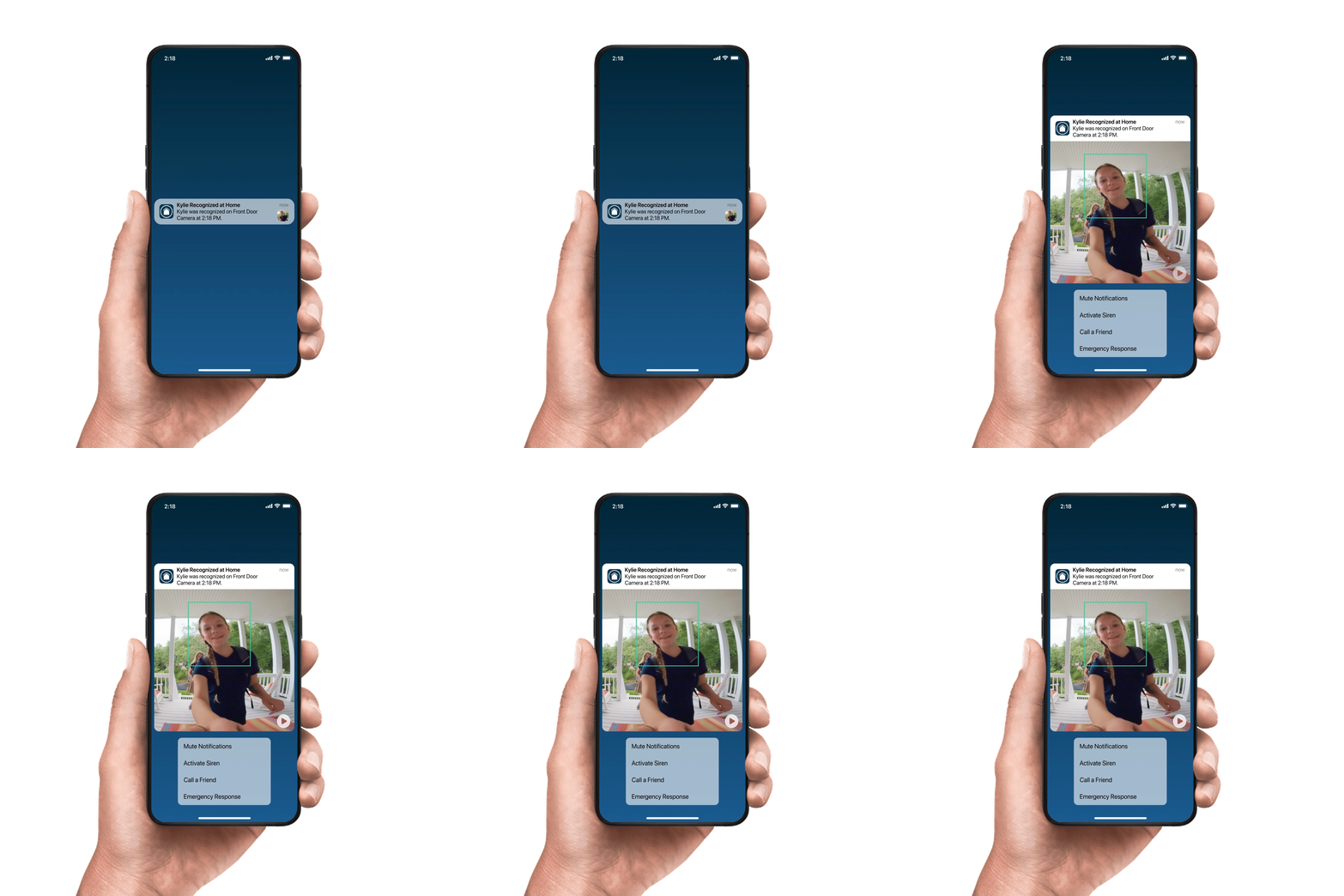
Stay better informed with real-time alerts from Arlo Secure for known people, vehicles, packages, fire, animals, and more!
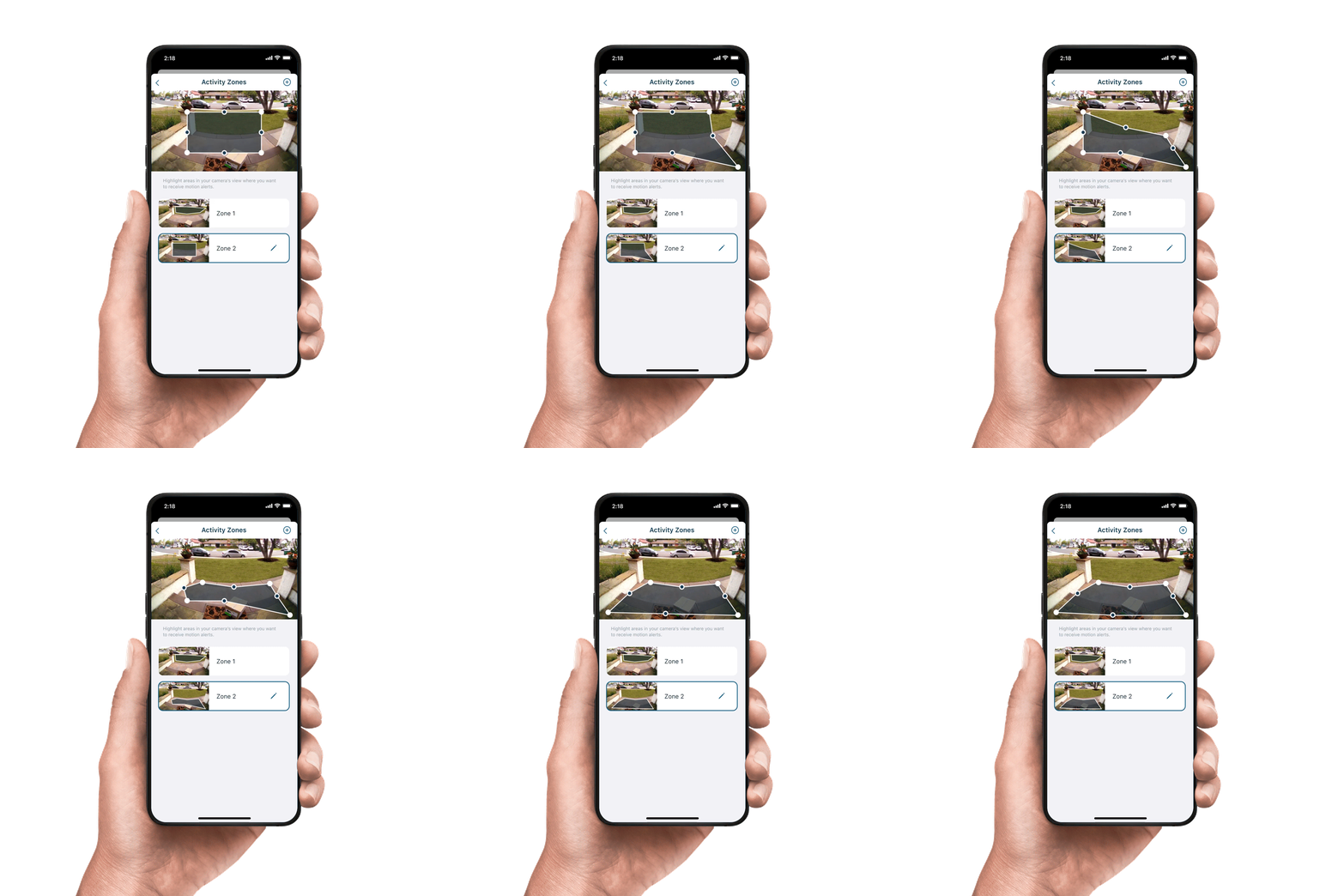
Highlight specific areas in your camera's view to only get alerts for events that matter most.
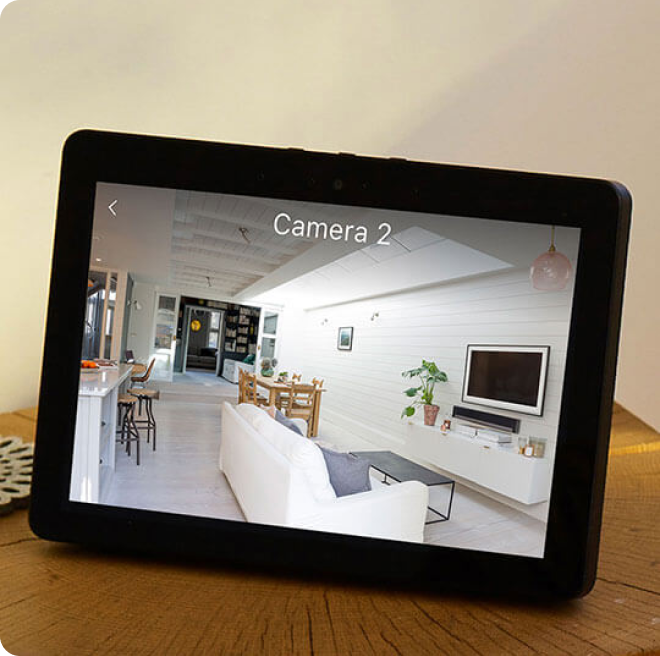
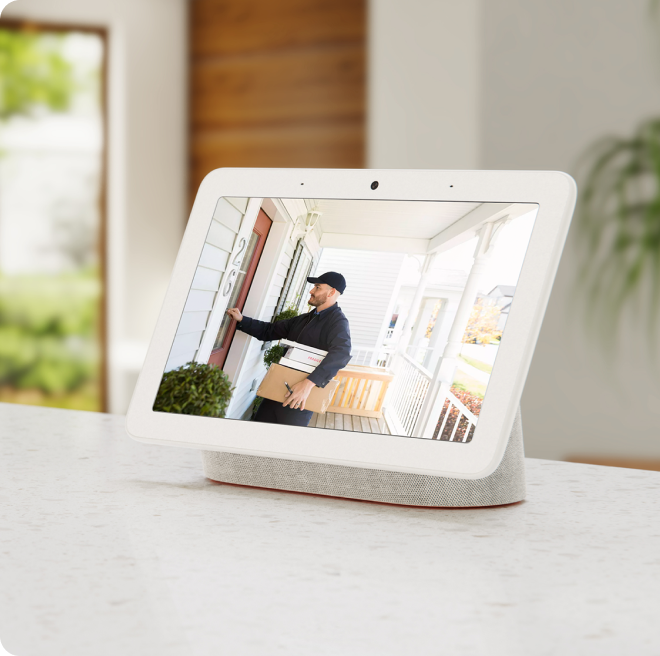
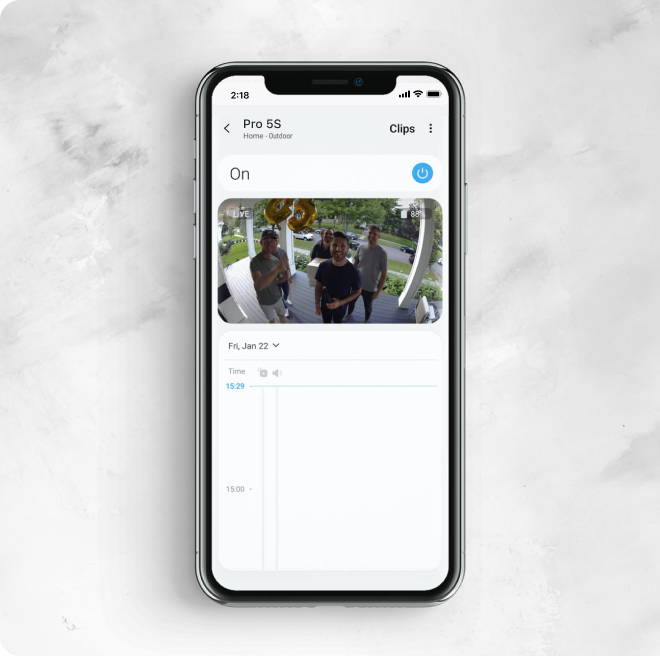
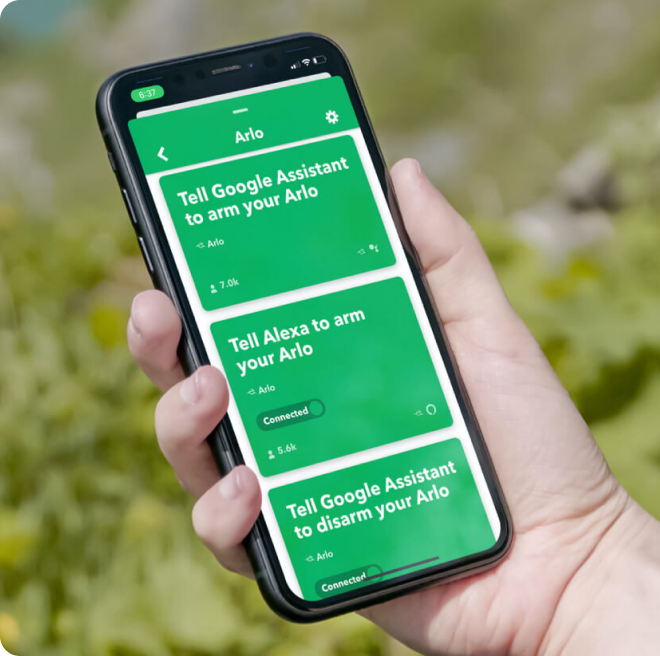
Works with your favorite smart home devices.
Specs
Maximum Video Resolution
2304 x 1296
Image Sensor
3 Megapixels
Video Modes
2k, 1080p, 720p
Video Features
B&W Night Vision
Lens Field of View
130-degree diagonal
Digital Zoom
12x
Spotlight
No
Motion Detection
1 PIR, 110° horizontal
Night Vision
IR B&W
Audio
2-Way Audio + Echo Cancellation
Microphone
Yes
Siren
Yes
Connectivity
2.4GHz & 5GHz
Indoor or Outdoor
Indoor
Camera Mount Type
Table Top, Wall & Ceiling
Minimum Operating Temperature
32° F (0° C)
Maximum Operating Temperature
113° F (45° C)
1x Arlo Essential 3 Indoor PTZ camera
1x 2m indoor charging cable
1x indoor PA
1x wall mount and screw kit
1x quick start guide
Frequently Asked Questions
No. Arlo Essential Pan Tilt Indoor Camera is not wireless, and it does not have a battery. It is powered by an included 2m USB cable.
No. The power cable is different for the Arlo Essential Pan Tilt Indoor Camera and the Arlo Essential Pan Tilt Security Camera. Only use the cable provided in the box with the camera.
Home position is the default position where your camera returns to after a period of inactivity. Custom positions are preset camera positions you set that you can quickly navigate to or auto scan through. Once the positions are set up, they will show up under the “Pan-Tilt” toggle when viewing your camera’s live stream.
You can go to Device Settings -> Camera Positions to set up your preferred home positions and custom positions, make edits, name, or delete the positions. You can set up to 4 custom positions.
Auto scan allows you to automatically scan through your custom positions when live streaming to get a complete view of your space. You can enable Auto Scan by tapping the live stream from your Arlo Essential Pan Tilt Security Camera.
Your Arlo Essential Pan Tilt Indoor Cameras enters a privacy state when the system is in standby or arm home mode. The camera moves to a downward-facing position, stops motion detection, and turns off its microphone.
Auto scan allows you to automatically scan through your custom positions when live streaming to get a complete view of your space. You can enable Auto Scan by tapping the live stream from your Arlo Essential Pan Tilt Indoor Camera.
When Auto Tracking is enabled, your Arlo Essential Pan Tilt Indoor Camera will automatically follow and track the detected object within the camera’s field of view, until the motion stops or disappears from the field of view.
Your Arlo Essential Pan Tilt Indoor Camera comes with an L bracket mount and a mounting plate. You can either place the camera on a flat surface, mount it on a wall, or mount it to the ceiling. For more information about mounting your camera, visit: How do I mount my Arlo Essential Indoor camera?
Arlo Essential Pan Tilt Indoor Camera has motors inside to support Pan and Tilt movement. Calibration prevents drift or misalignment, which ensures consistently precise positioning.
To calibrate your Arlo Essential Pan Tilt Indoor Camera, go to Device Settings -> Motor Calibration -> Start. It takes around 15 seconds to complete the calibration.
No. Your Arlo Essential Pan Tilt Indoor Camera does not support any Arlo Base Station or SmartHub. You can connect the Arlo Essential Pan Tilt Indoor Camera directly to your 2.4 GHz or 5GHz Wi-Fi network.
Reduce excessive motion-triggered notifications with a Secure Plan by filtering based on type (person, package, vehicle, animal) and location within the camera’s view (e.g., driveway vs. public street).
Just press and hold on Push Notification to snooze alerts for that camera for set period of time, e.g. when gardening or washing the car.
You can even create your own custom detections for when a particular car or person is on the driveway, or a cat jumps on/off the couch.
We support industry standards for data protection designed to keep your personal information private and in your control. We are here to bring you peace of mind and you shouldn’t have to give up your privacy to feel secure. We support industry-leading methods and practices designed to protect your account such as multi-factor authentication, requiring access approval for new devices to verify it’s really you, and utilizing encryption to help protect your videos. For more details, please read our Privacy Pledge.
*This Arlo Secure service may require a paid subscription after the trial period, and some Arlo Secure services may be unavailable in certain regions. For current information on features that need a paid subscription, visit www.arlo.com/arlosecure.
**Person Recognition is unavailable on Arlo devices in certain regions. Learn more here. You are responsible for complying with any local laws or regulations that relate to your use of the Person Recognition feature. This may include you providing notice and obtaining consent from people who may be recognized by your camera.